Enable MFA
Enable Multi Factor Authentication (MFA).
- Navigate to Admin Profile page. Click Admin in the Top Navigation Bar, then select Profile from the drop-down menu.
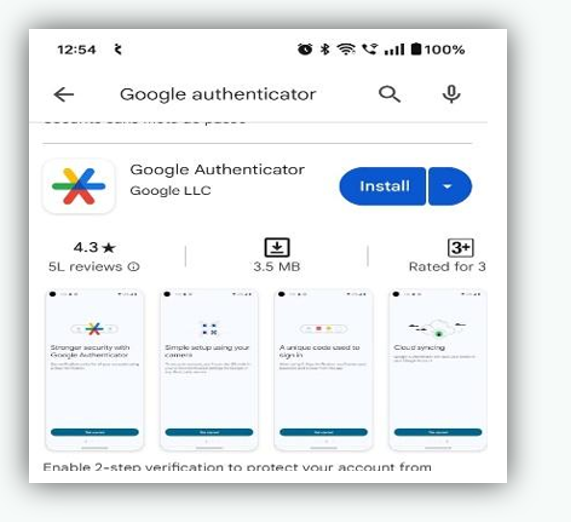
- Install Google Authenticator or Microsoft Authenticator app in your mobile.
- Open the app
- Scan the QR code displayed on the MFA Settings page.
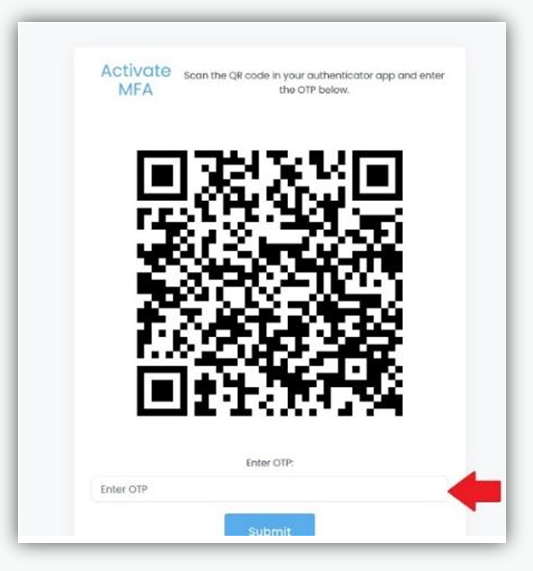
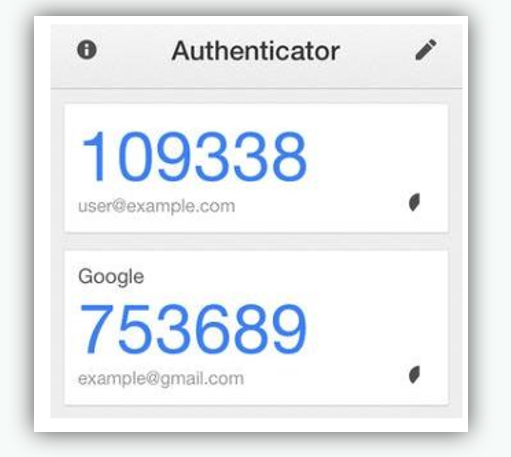
- The authenticator app generates a one time password (OTP).